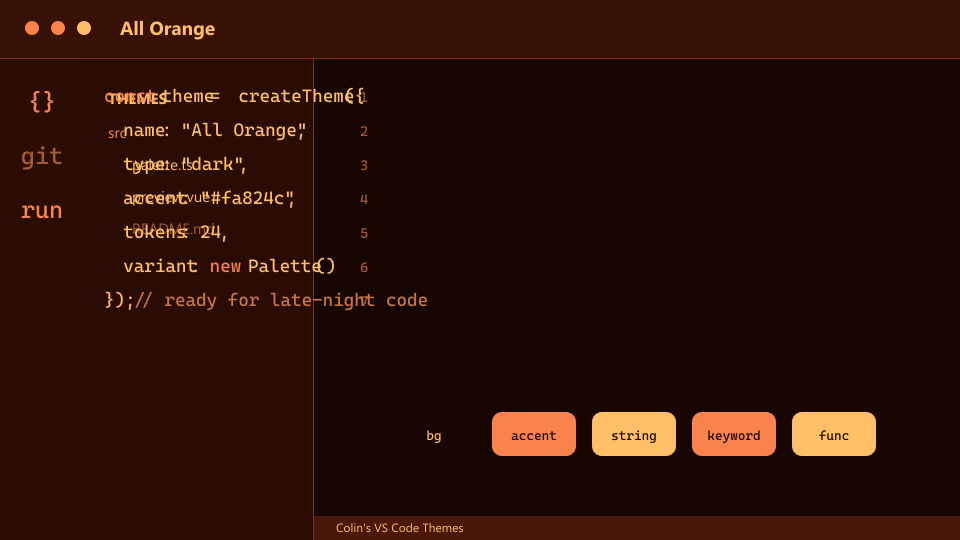
All Orange
Newton orange everywhere, tuned for late-night readability.
 Colin's VS Code Themes
32 themes across orange classics, seasonal palettes, holiday looks, gaming-inspired code moods, file icons, and settings presets.
The orange-first flagship themes and readability variants.
Newton orange everywhere, tuned for late-night readability.
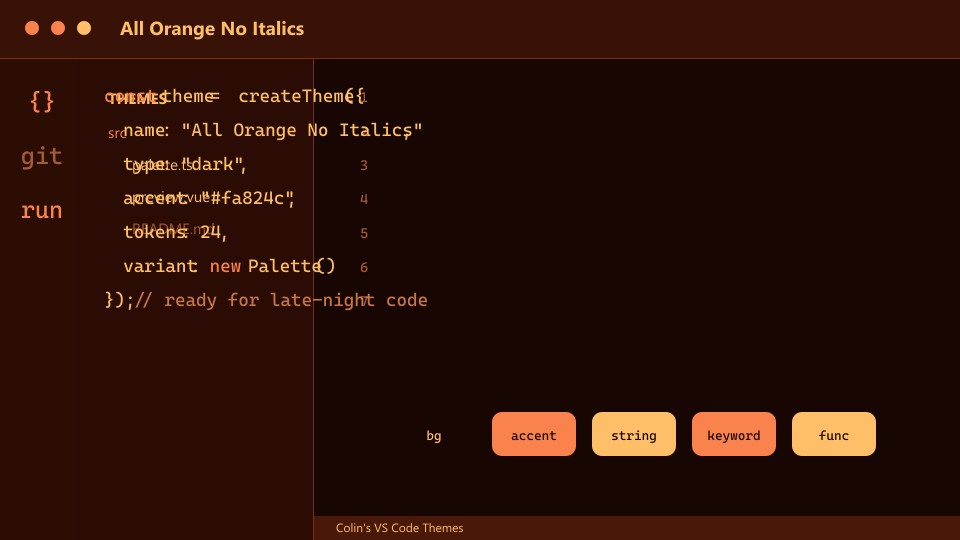
The orange flagship without italic token styling.
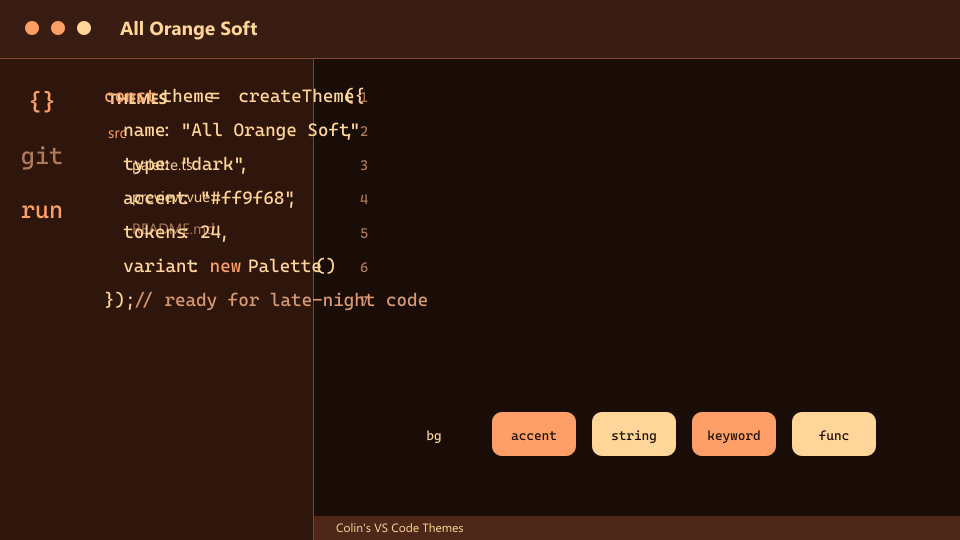
A gentler orange variant with warmer contrast and softer edges.
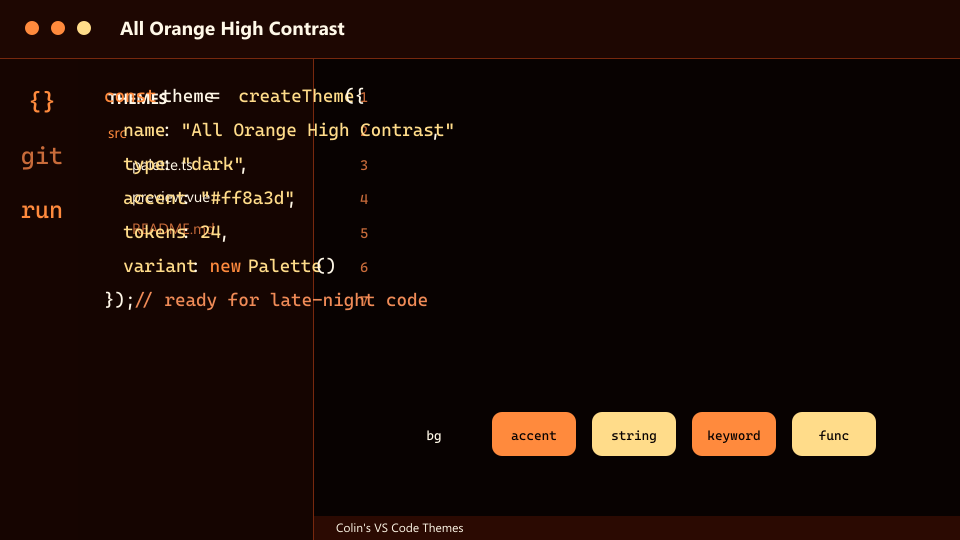
The orange flagship pushed darker and brighter for extra punch.
Colorful dark and light moods for everyday coding.
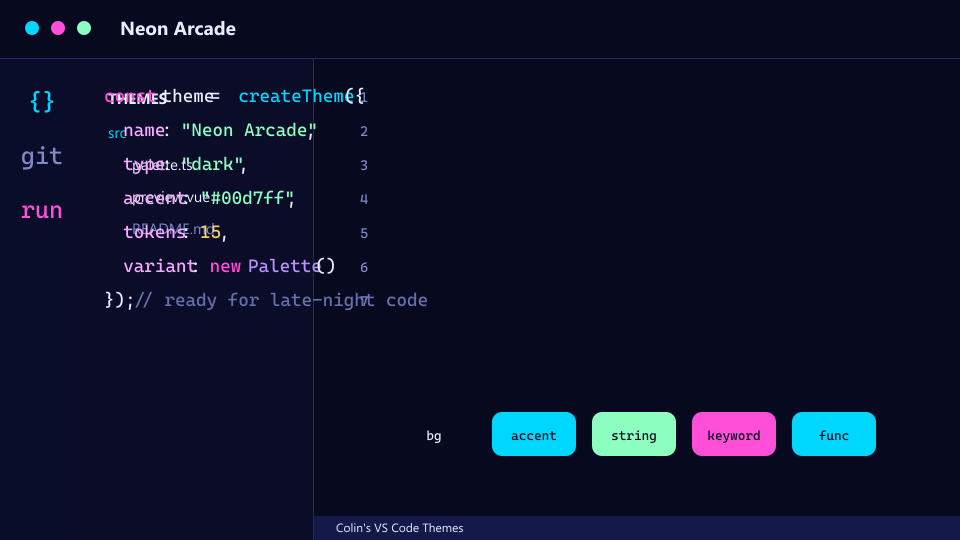
Electric blue and hot pink on a midnight shell.
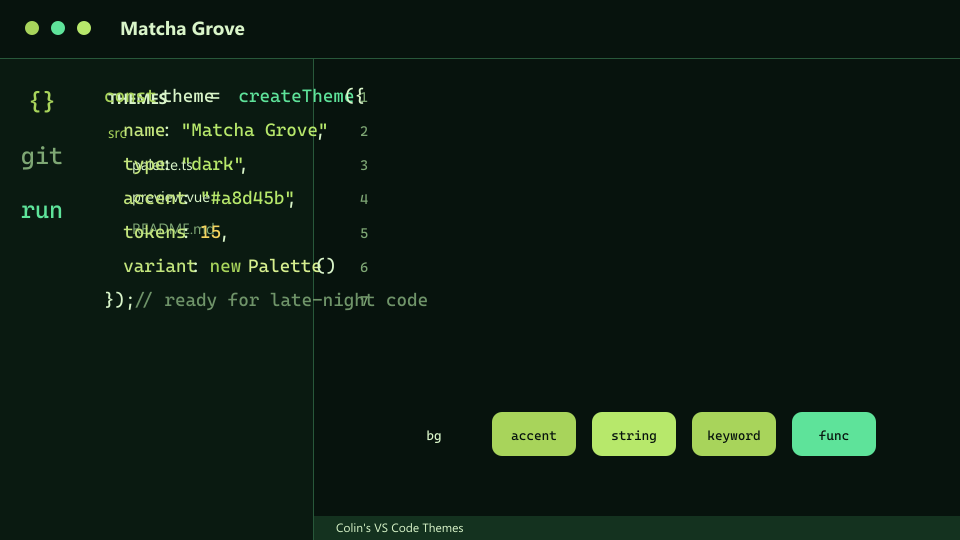
Deep green surfaces with mint and tea-gold syntax.
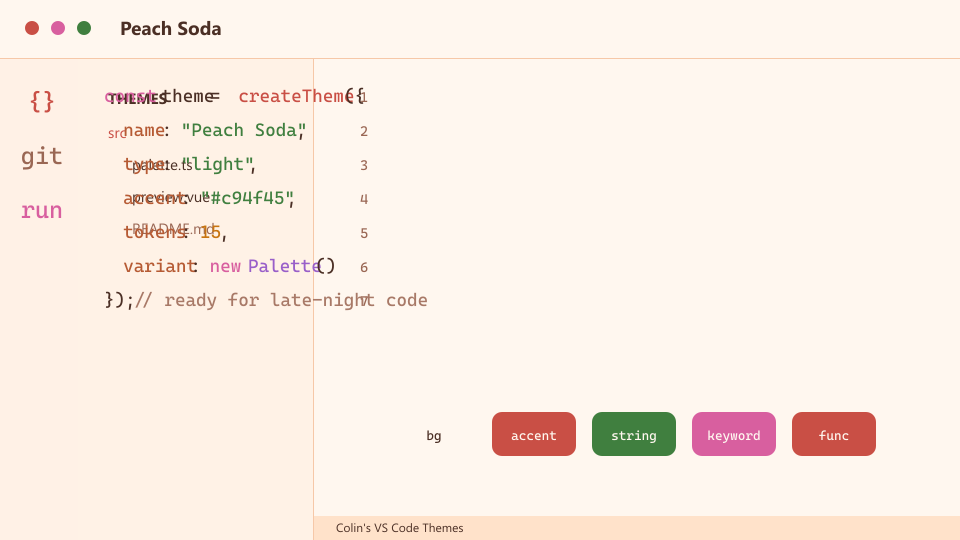
Soft peach daylight with coral accents.
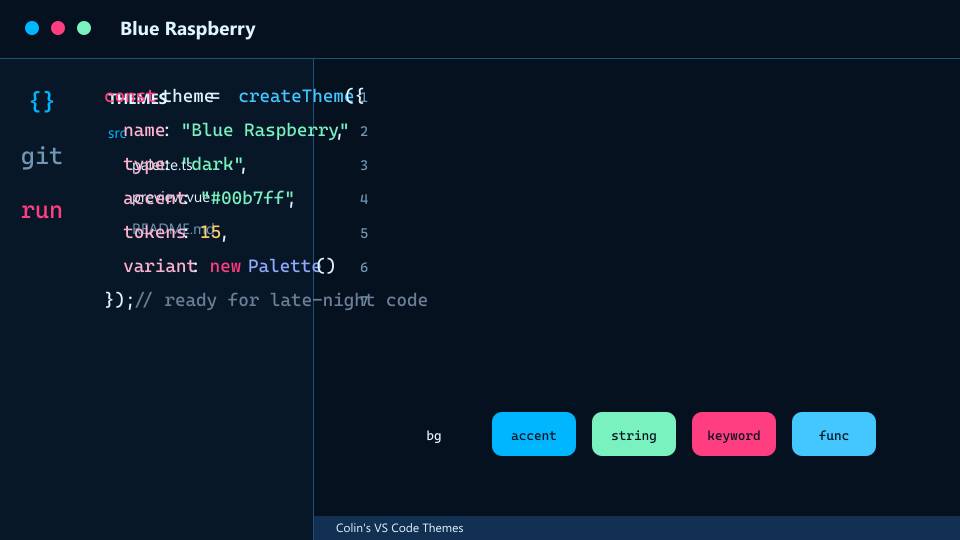
Cold blue surfaces with raspberry-bright syntax.
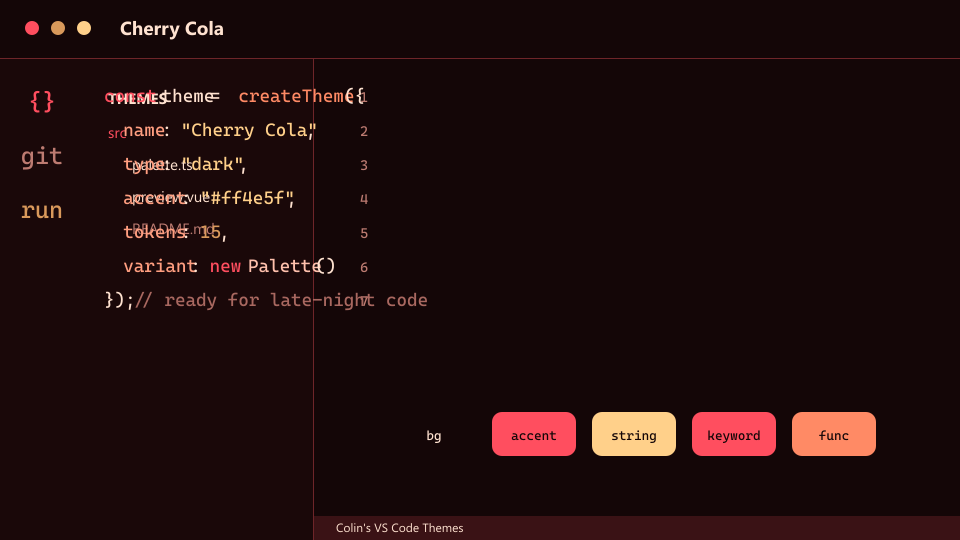
Dark cola surfaces with cherry highlights.
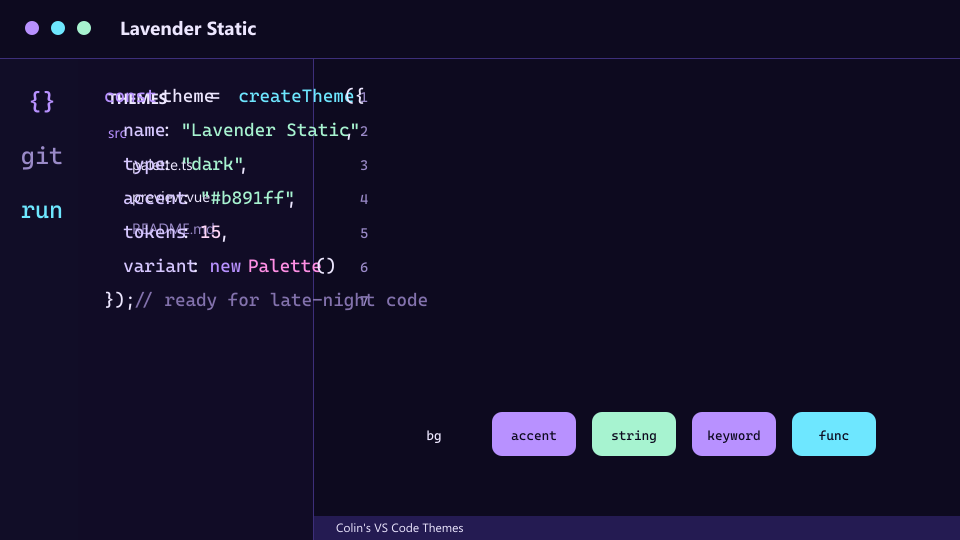
Violet chrome with cyan signal colors.
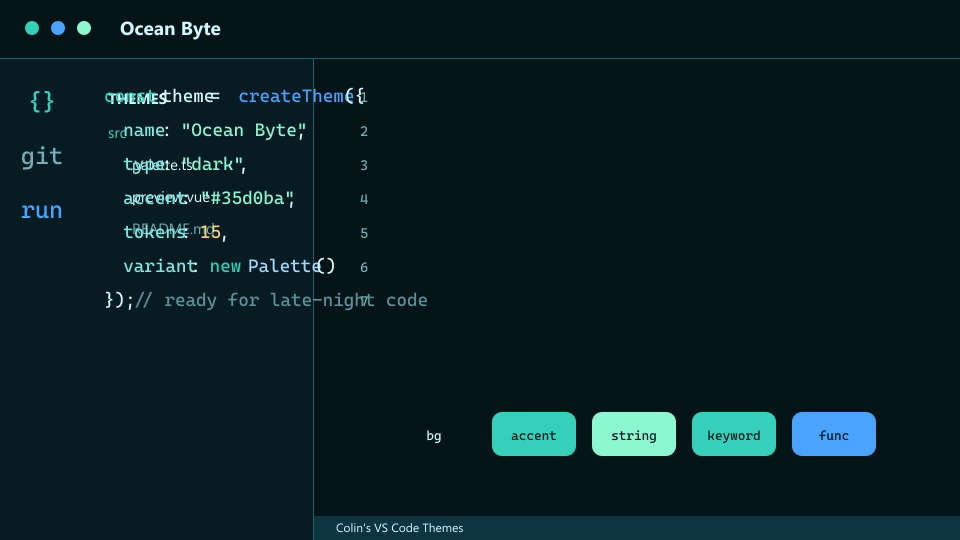
Teal-black surfaces with seafoam highlights.
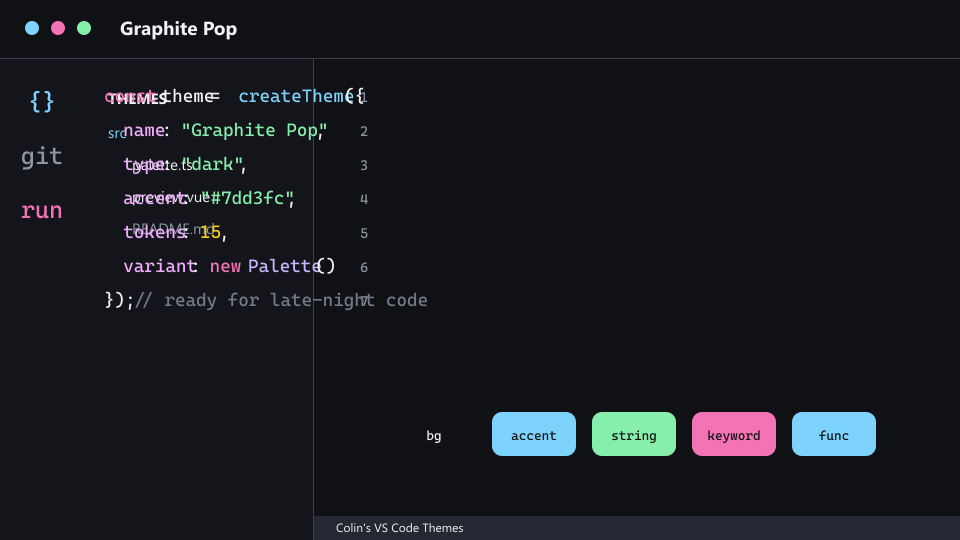
Neutral graphite with bright coding accents.
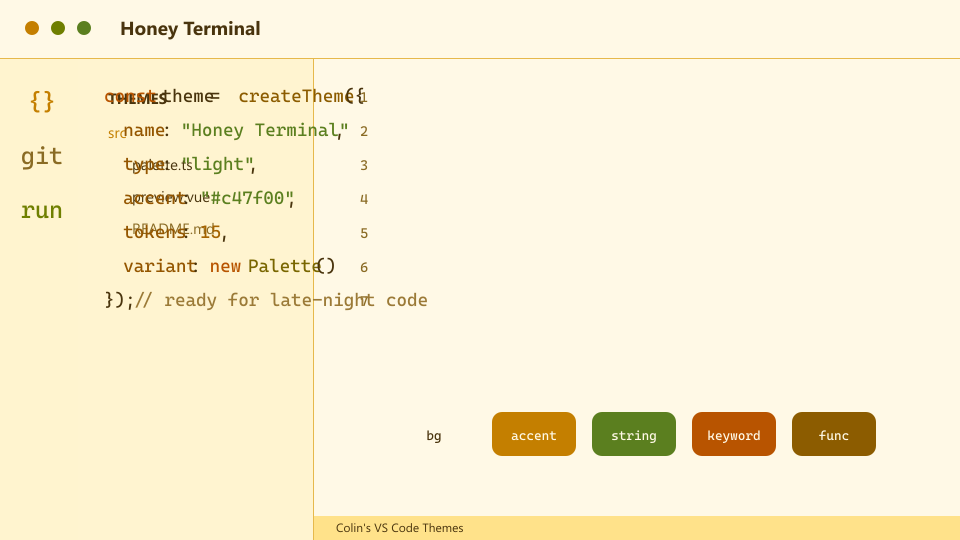
Warm honey-gold light mode for daytime coding.
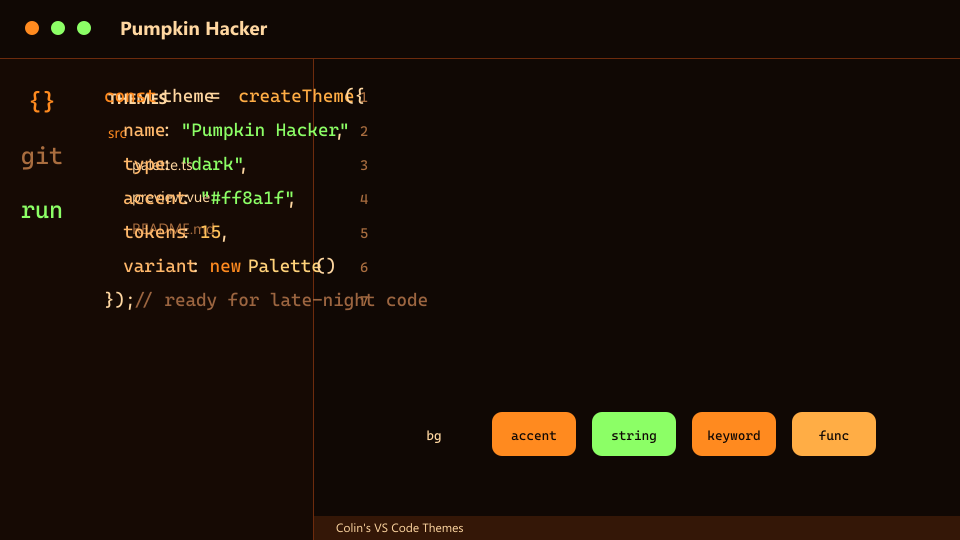
Spiced terminal orange with green hacker glow.
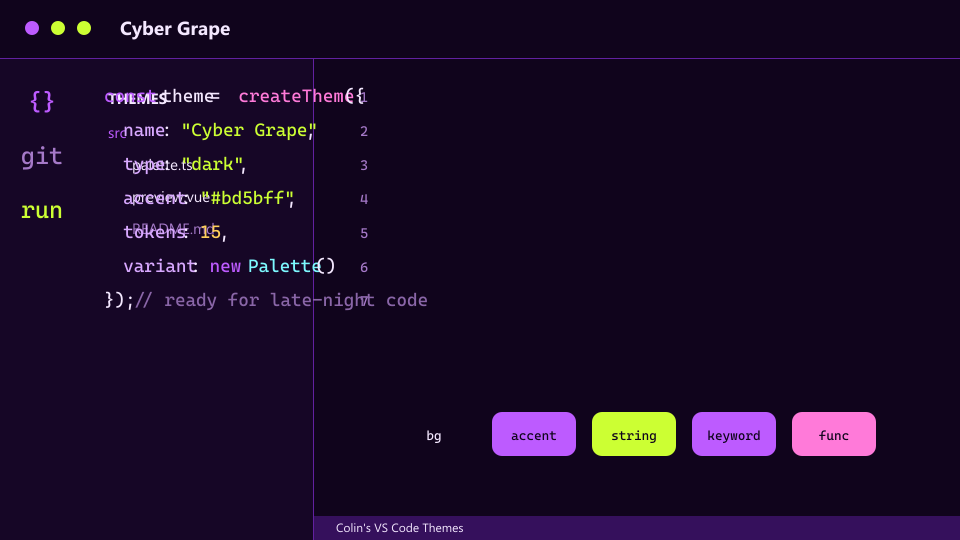
Purple cyberpunk surfaces with lime sparks.
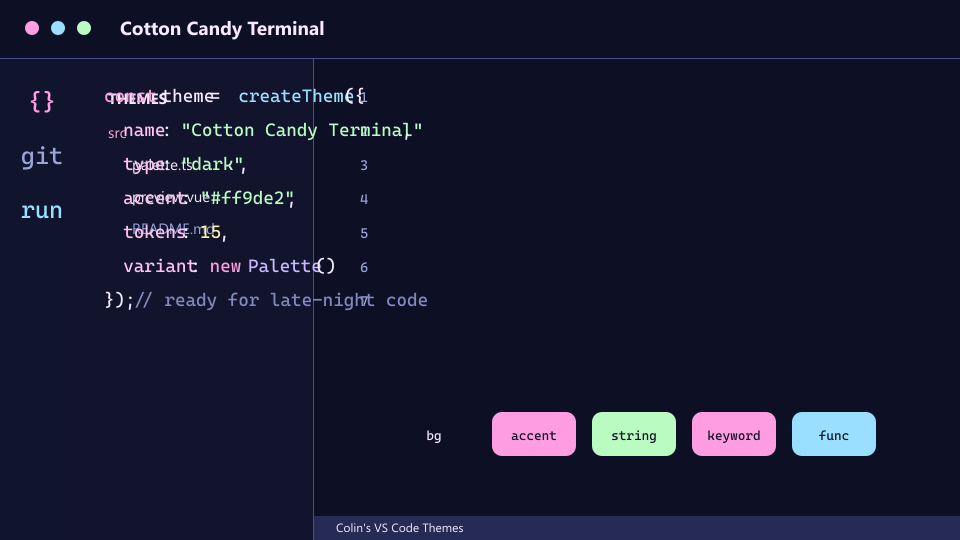
Soft dark candy tones with pink and baby-blue syntax.
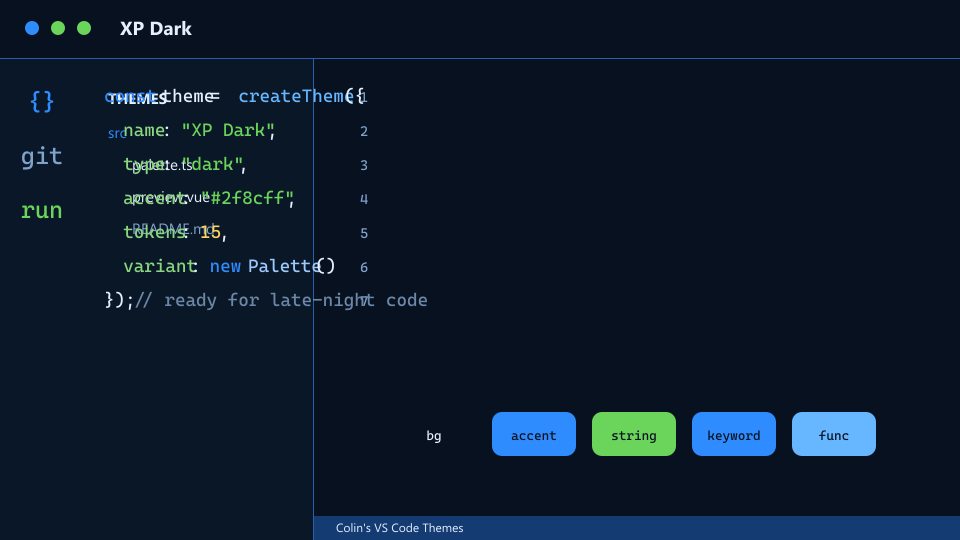
A nostalgic blue-gray dark theme with classic green accents.
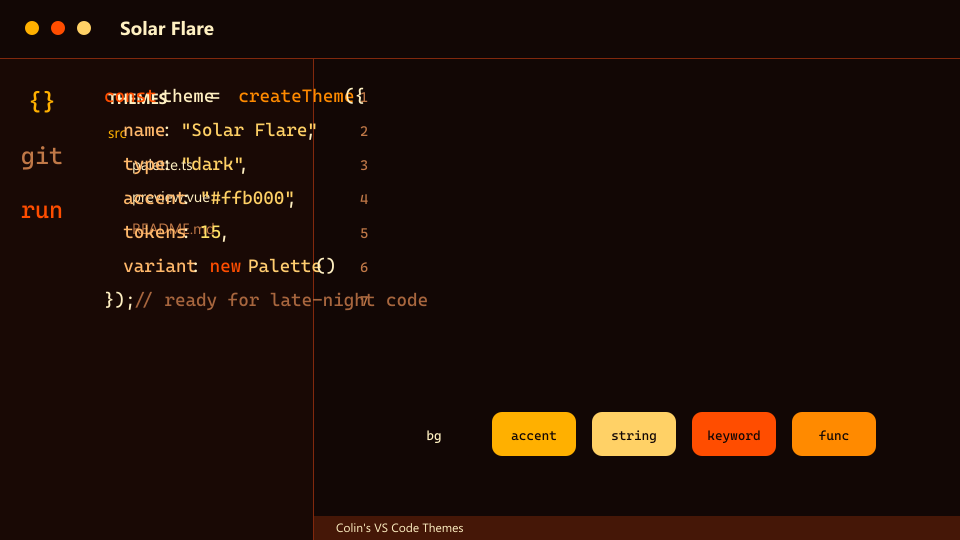
High-energy solar golds and reds on dark ember UI.
Spring, summer, autumn, and winter rotations.
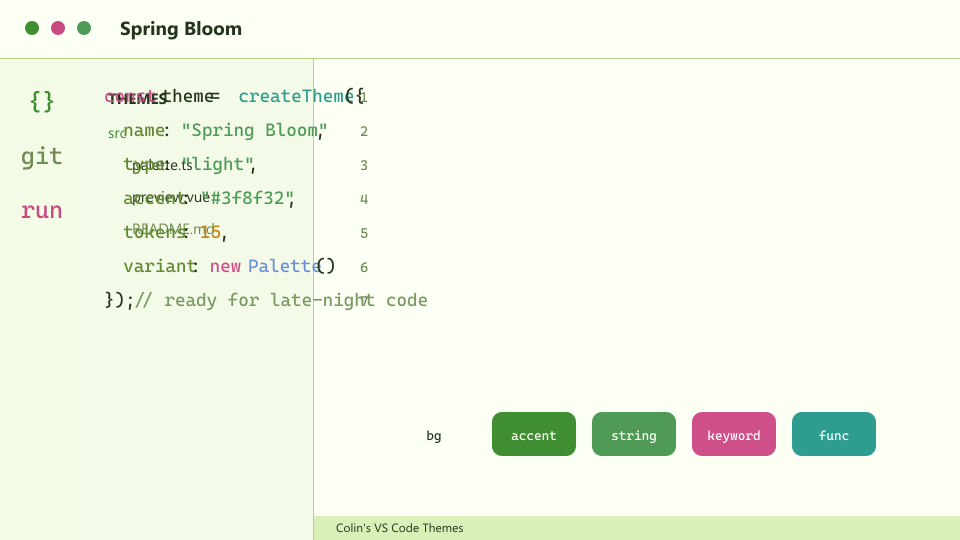
Fresh light mode with green growth and pink accents.
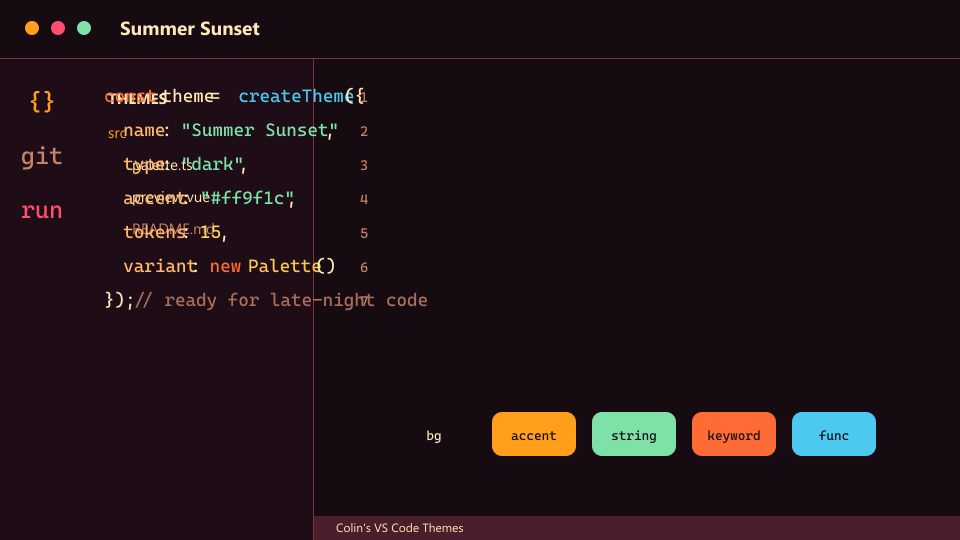
Warm sunset chrome with coral heat and cool blue functions.
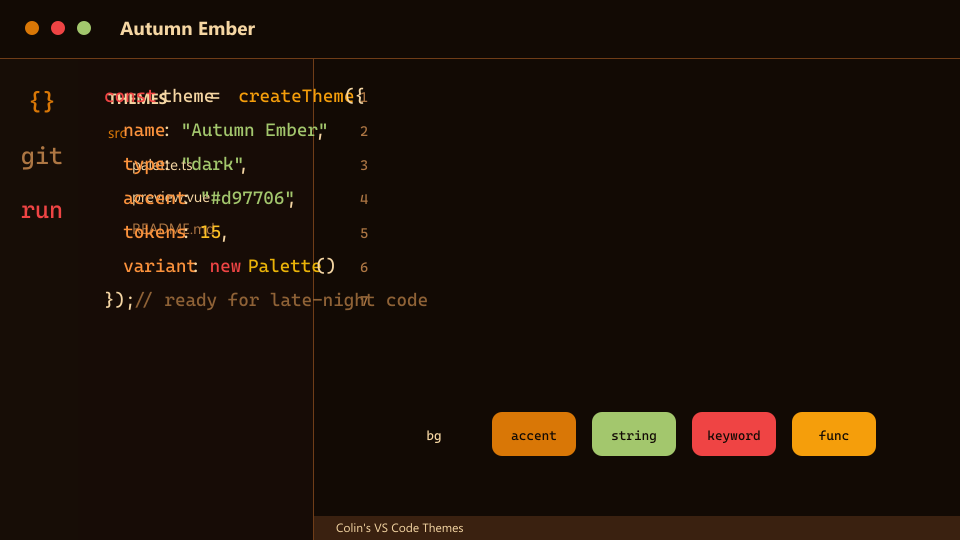
Dark harvest tones with ember orange and mellow gold syntax.
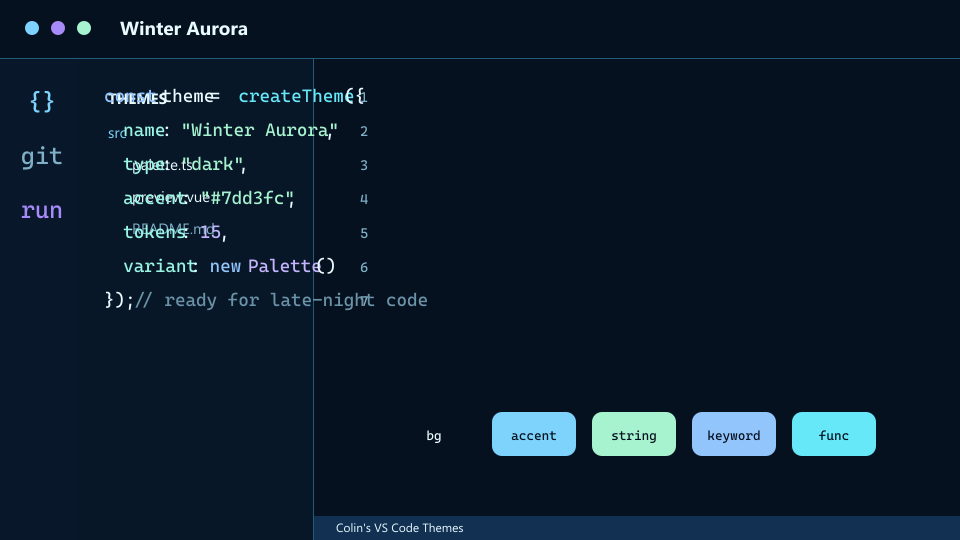
Icy blue surfaces with aurora violet and mint highlights.
Event-ready palettes for October, December, New Year, Valentine's, and birthdays.
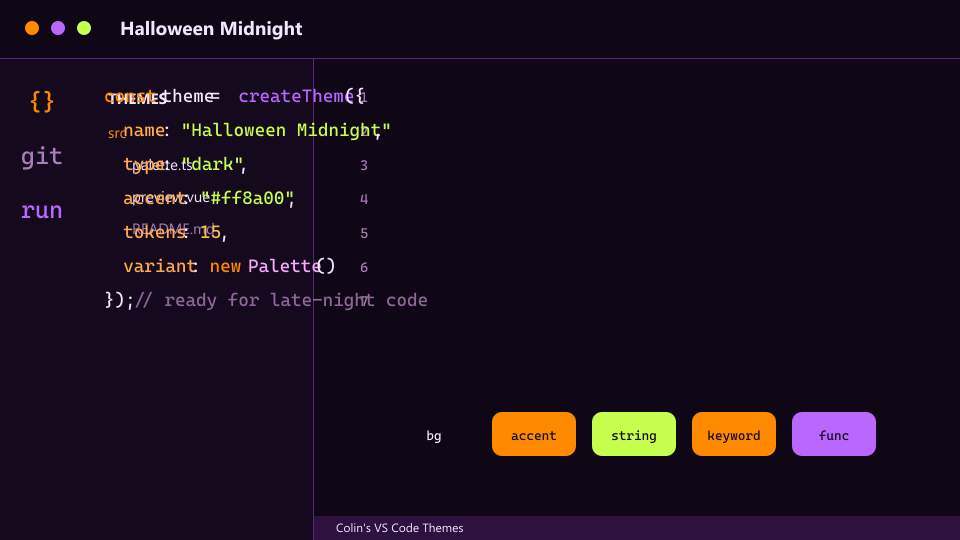
Purple midnight surfaces with orange syntax and sharp green highlights.
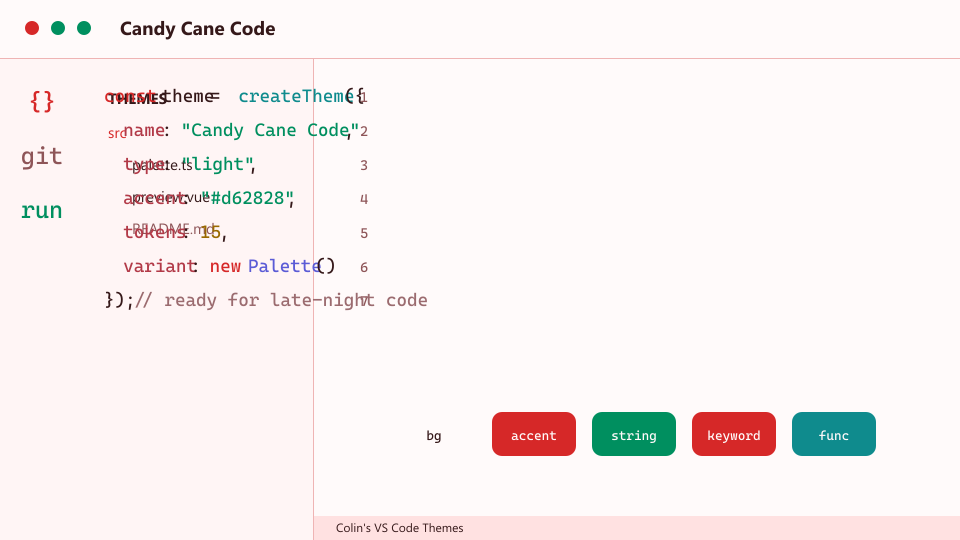
Crisp light mode with red, green, and gold holiday syntax.
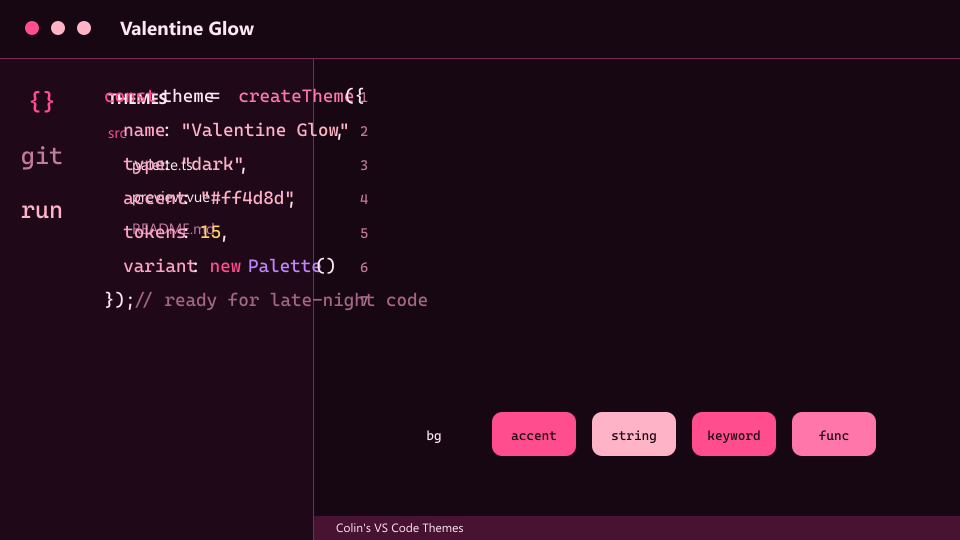
Deep pink surfaces with soft rose syntax and warm highlights.
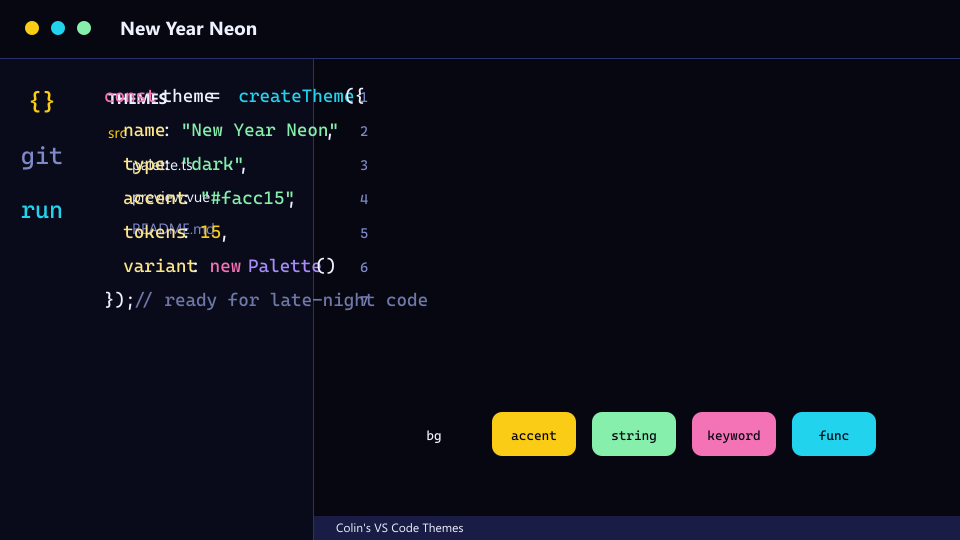
Midnight celebration colors with gold, cyan, and pink accents.
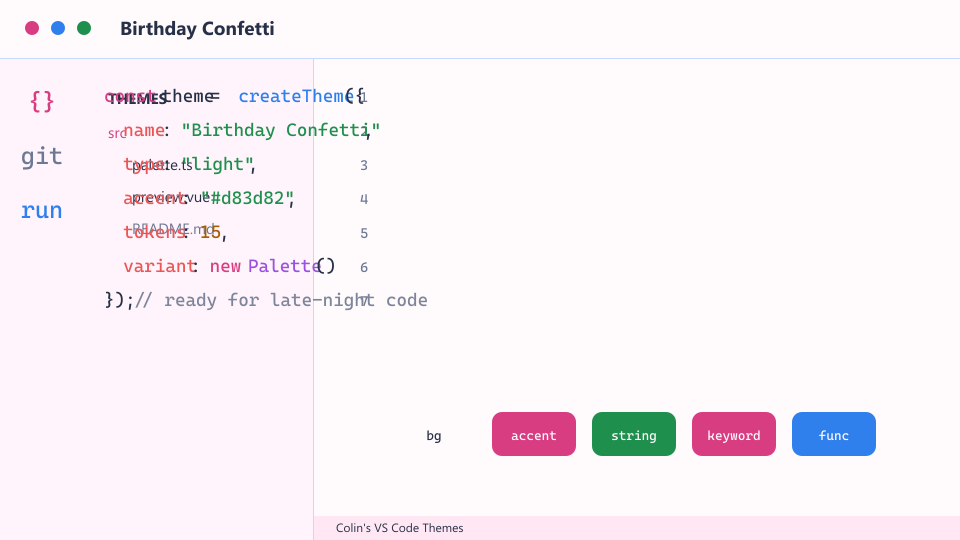
Bright light mode with playful color bursts.
Arcade, cyber, fantasy, and cockpit-inspired coding palettes.
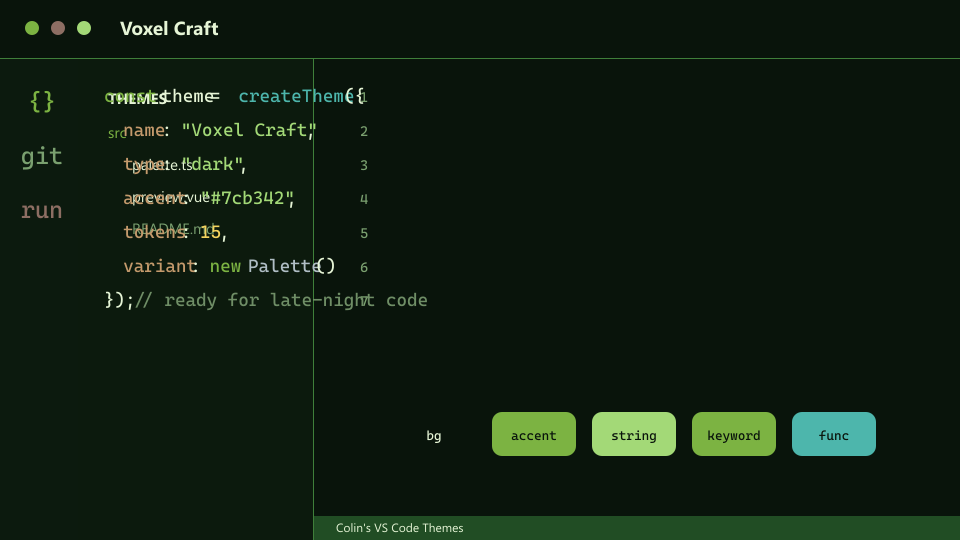
Blocky green-and-earth coding colors with teal functions.
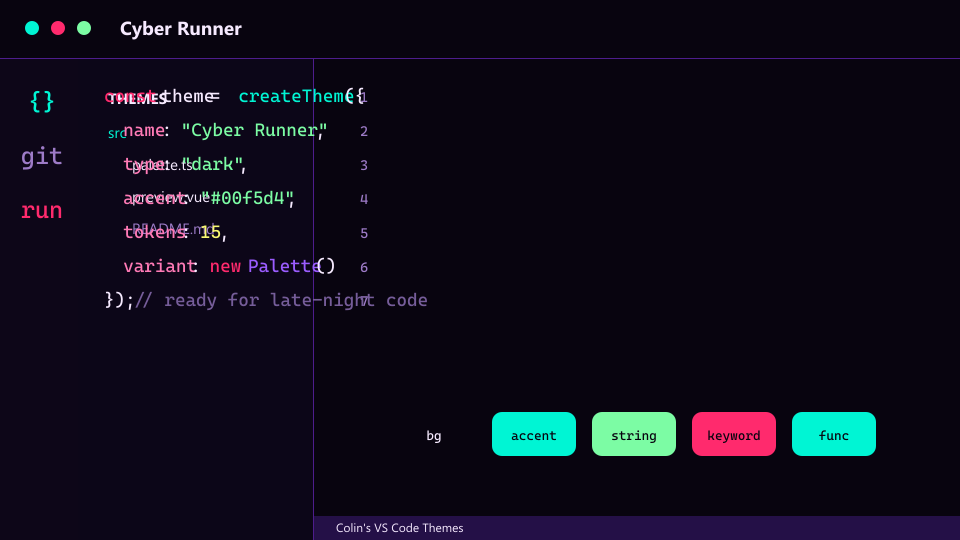
High-speed cyber color with cyan, magenta, and acid yellow.
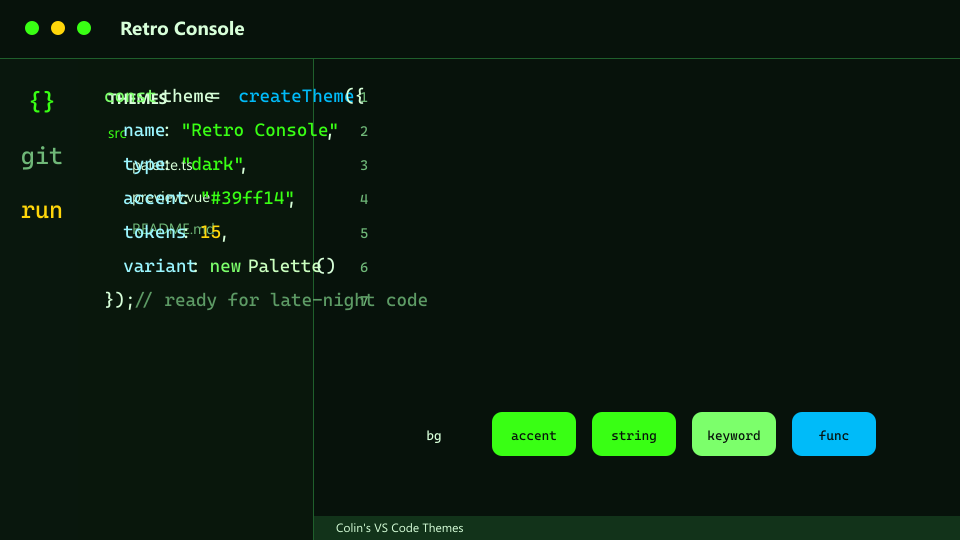
Green-screen arcade tone with electric syntax.
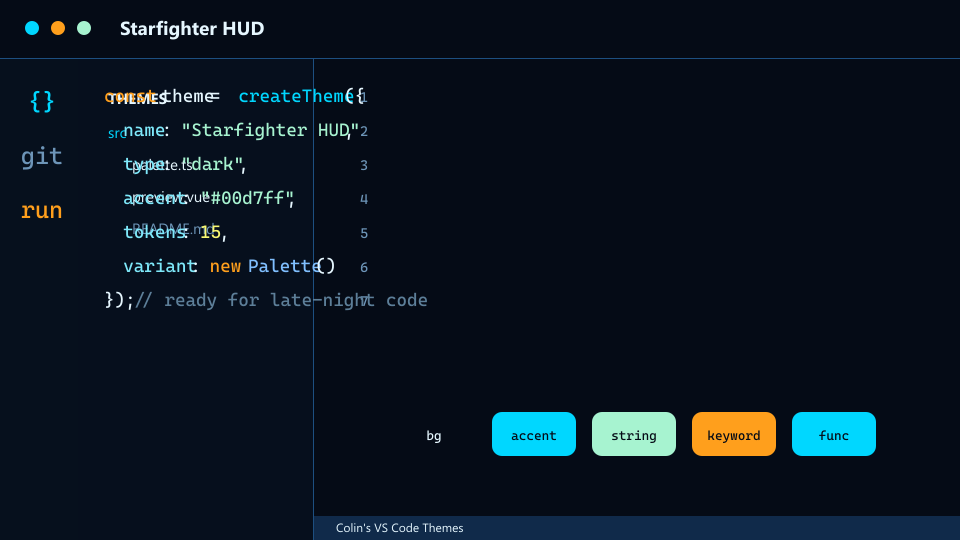
Space cockpit blues with orange alerts and bright HUD syntax.
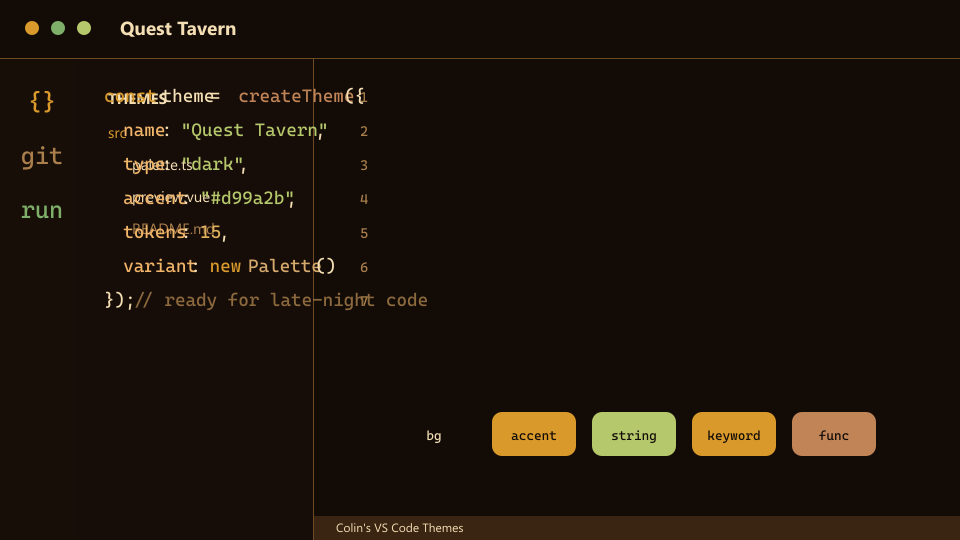
Warm RPG palette with wood tones, gold syntax, and green strings.
Run these from Command Palette after installing the extension.
Colin's Themes: Apply Current Seasonal ThemeColin's Themes: Apply Current Holiday ThemeColin's Themes: Pick Gaming ThemeColin's Themes: Pick Theme By PackColin's Themes: Enable Light/Dark Auto SwitchColin's Themes: Apply Orange Coding PresetColin's Themes: Apply Focus PresetColin's Themes: Apply Light Coding PresetColin's Themes: Apply Gaming PresetUse VS Code's built-in color scheme detection to pair one light theme with one dark theme.
{
  "window.autoDetectColorScheme": true,
  "workbench.preferredLightColorTheme": "Spring Bloom",
  "workbench.preferredDarkColorTheme": "All Orange"
}